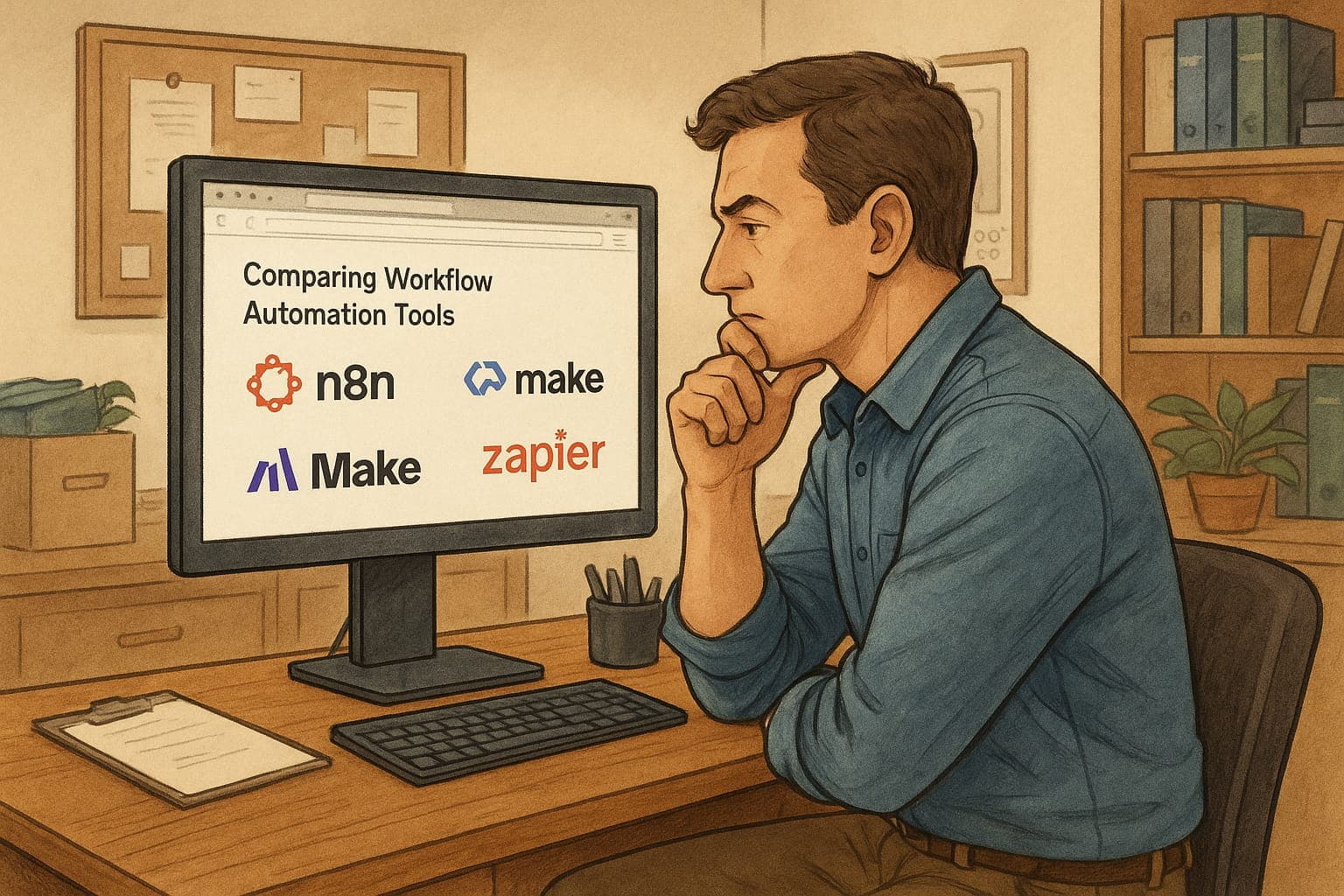
Choosing the Right Automation Platform: n8n vs. Relay.app
The automation platform landscape can be overwhelming. Zapier, Make, n8n, Relay.app, and dozens of others all promise to connect your tools and streamline your workflows. After working with most of them, we've settled on two favorites that sit at opposite ends of the automation spectrum: n8n for complex projects and Relay.app for getting started quickly.
Here's why we choose each one, and how to know which is right for you.
Relay.app: The Best Place to Start
Relay.app is a relatively recent addition to the automation space, and it feels like what automation tools would look like if they were built today rather than a decade ago. If you're new to automation or need to solve a problem quickly, this is where we recommend you start.
Why We Love Relay.app
AI-First Design: Unlike older platforms that added AI features as an afterthought, Relay was built with AI integration from the ground up. The AI steps are intuitive and powerful, making it easy to incorporate ChatGPT, Claude, and other models into your workflows.
Consumer-Friendly Integrations: Relay excels at connecting the tools most people actually use—Gmail, Google Sheets, Airtable, Notion, and the entire Google Workspace suite. The integrations just work, without the configuration headaches that plague some other platforms.
Excellent Learning Resources: Relay provides comprehensive video tutorials that don't just show you how to use the platform—they demonstrate real use cases that spark ideas for your own automations.
Responsive Support: We've consistently found their support team helpful and responsive, which matters when you're learning a new tool.
Modern User Experience: Relay feels like a modern application. The interface is clean, the workflow builder is intuitive, and you can get from idea to working automation faster than on any other platform we've used.
When to Use Relay.app
- You're new to automation and want to learn the concepts
- You need to connect common consumer and business tools
- You want AI capabilities without complexity
- You need something working today, not next week
- Your workflows are relatively straightforward
n8n: The Platform for Complex Projects
Once you understand automation concepts and need more power and flexibility, n8n becomes the right choice. It's our go-to platform for complex client projects, and for good reason.
Why We Use n8n for Serious Work
Self-Hostable: You can run n8n on your own infrastructure, which matters for clients with security requirements or data residency concerns. You're not dependent on a third-party service staying in business or maintaining their pricing.
Open Source Foundation: Most of n8n is open source, meaning you're not locked into a proprietary ecosystem. If you need something specific, you can build it or modify existing components.
Code Nodes for Ultimate Flexibility: When visual workflow builders hit their limits, n8n lets you drop into JavaScript or Python. This means there's virtually no problem you can't solve, though it does require more technical skill.
Community Nodes: The n8n community has built hundreds of integrations beyond the official ones. If you need to connect to an obscure API or build something custom, chances are someone has already created a foundation you can build on.
Modular Architecture: This is crucial for complex projects. You can build short, focused workflows that are executed by other workflows. This modular approach makes testing easier, allows you to swap components in and out, and enables reuse across different projects. It's the difference between spaghetti code and clean architecture.
The Trade-offs
We don't recommend n8n for beginners because it has a steeper learning curve. The interface is less polished than Relay's, and the flexibility that makes it powerful also makes it more complex. You need to understand automation concepts before n8n's advantages become benefits rather than overwhelming options.
But once you know what you're doing, n8n's power is worth the complexity.
When to Use n8n
- You have complex, multi-step workflows
- You need custom integrations or logic
- Self-hosting or data control is important
- You understand automation fundamentals
- You have technical resources or willingness to learn code
- You need modular, maintainable workflows
The Right Tool for the Right Job
We use both platforms regularly. Relay.app for quick internal automations and when helping clients get started with automation concepts. n8n when we're building sophisticated systems that need to scale, integrate with custom APIs, or require the flexibility that only code can provide.
The key is matching the tool to both the task and your skill level. Starting with Relay.app lets you learn automation patterns and build confidence. As your needs grow more complex, you'll know when it's time to graduate to n8n—usually when you find yourself fighting against your current platform's limitations rather than solving your actual problems.
What About Zapier and Make?
Both are solid, established platforms with huge user bases. We're not suggesting they're bad choices—many people use them successfully. We simply find that Relay.app provides a better experience for beginners (more modern, better AI integration) and n8n provides more power for complex projects (self-hosting, code nodes, modular workflows).
Your mileage may vary, and that's fine. The best automation platform is the one you'll actually use consistently.
Not sure which platform is right for your specific needs? We can help you evaluate your workflows and choose the right tools for your situation. Reach out and let's talk about what you're trying to accomplish.